
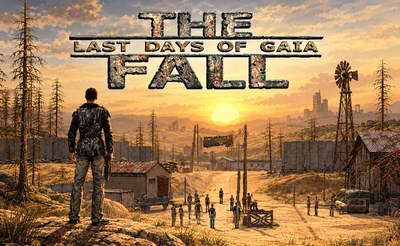
The Fall: Last Days of Gaia — Key facts
Free direct download
German Reloaded edition 1.10.1 – tested on Windows 10: Mount the ISO and copy the entire app_1_1 folder, including all subfolders, to a writable local folder, e.g. Documents/Games/The Fall. Run thefall.exe from that folder. The old installer and its DirectX package are not needed for this method.
The optional startup helpers below contain two small command files. Extract them next to thefall.exe and run START-THE-FALL.cmd or THE-FALL-OPTIONEN.cmd. The graphics-settings parameter is -o, not /o. The helpers apply DPI compatibility only to the current launch; no system-wide or registry changes.
Important: Reloaded already includes the patches. The 1.8 → 1.9 → 1.10 sequence described elsewhere applies to the earlier two-CD edition. After choosing Start, activate the communicator power button, select a portrait and confirm with the tick. Its initially blank screen is intentional. The game remains in German.
Tested on 17 October 2026 with Windows 10 Home 22H2, build 19045 and GeForce GTX 1050 Ti: new game, saving and loading after restarting, including without the mounted DVD. Windows 11 and the complete campaign were not tested. Saves are stored separately under %APPDATA%/Silver Style Entertainment/The Fall - Last Days of Gaia/savegames.
Optional: dgVoodoo + mouse correction. The additional package below provides the tested borderless-window setup and corrects displaced mouse clicks. Extract the entire TheFall-dgVoodoo folder next to thefall.exe and always use its START.cmd. Sandboxie is not required. Different existing graphics wrappers are not overwritten. The launcher backs up and changes five game settings; ZURUECK-RESTORE.cmd reverts those changes. Only the known emulated-driver warning is accepted automatically; no graphics driver is installed.
Test limits: Startup and menu mouse controls checked on Windows 10 / GeForce GTX 1050 Ti. Desktop resolution remained unchanged in the test. Internal rendering remains 1024 × 768, stretching the 4:3 picture on widescreen. Not native 4K, not a complete campaign or Windows 11 test, and no universal compatibility guarantee. Read the included instructions; do not disable antivirus.
Direct download, no registration needed. After downloading, unpack the file or run the setup.
Description and infos about the game
tags: role-playing, post-apocalypse, 3d, real-time combat, pause, survival
Features
- Party of six
- Real-time combat with pause
- Over 300 weapons
- Survival crafting and hunting
- Vehicles and day-night cycle
Requirements
- Pentium III 1 GHz
- 256 MB RAM
- DirectX 9 graphics card
- 64 MB VRAM
- 1.5 GB free disk space
Misc
Illustrated startup guide: copy the folder, launch the game and use the communicator
Windows 10 startup helpers (ZIP, 5.0 KB). Command files and instructions only; no additional game files.
Original-edition notes and discussion
dgVoodoo package with mouse correction (experimental) (ZIP, 9.4 MB). For German Reloaded 1.10.1: dgVoodoo 2.87.5, mouse DLL, launcher, undo function and instructions. Game not included.
Walkthrough
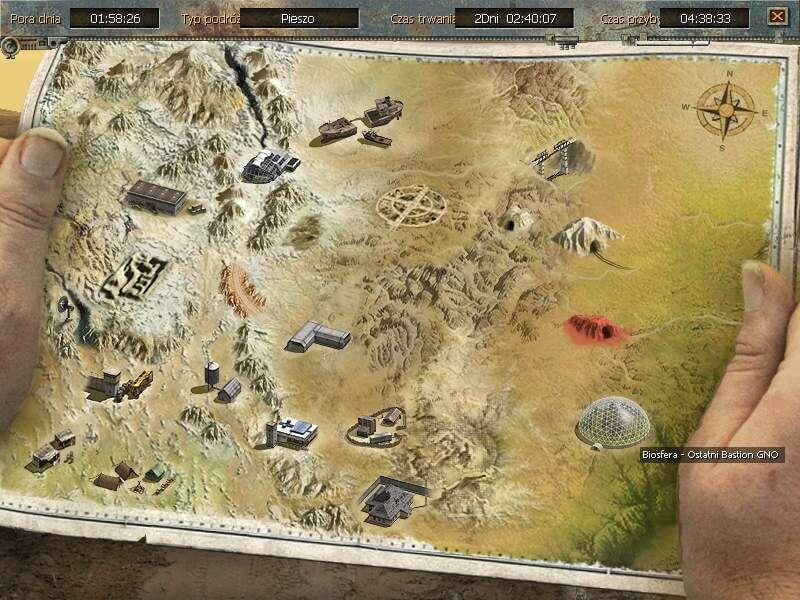
Screenshots