

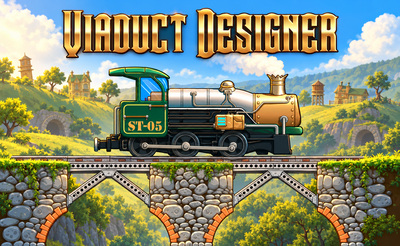
Vaiduct Designer











Vaiduct Designer — key facts
tags: bridge building, physics, statics, train
Controls
Change train speed
Left: slower / reverse. Right: faster / forward.
Draw bridge beams
In build mode: hold the left mouse button and drag from a node to the target.
Select a bridge part
In build mode, click a beam or node.
Delete selection
In build mode; fixed anchor points cannot be deleted.
Delete a part directly
Hold Ctrl and click a beam or node.
Clear the whole bridge
In build mode; confirm the prompt.
Enter / leave build mode
Available when construction is enabled; press again to test the bridge.
Blow train whistle
Interact with animals
While driving, when an animal is within reach.
Pause
While driving.
Resume game
In the pause menu.
Restart level
While driving.
Move loading crane
Only during manual crane control; hold an arrow key.
Pick up / drop cargo
Only during manual crane control.